Building a Secure AWS Infrastructure with Terraform
Learn how to build a secure AWS infrastructure using Terraform. Explore VPC networking, security groups, IAM least privilege, and Infrastructure as Code through a hands-on cloud security project.

This project focuses on:
- Designing an AWS Virtual Private Cloud (VPC).
- Separating public and private network resources.
- Restricting traffic with security groups and route tables.
- Applying the IAM principle of least privilege.
- Managing infrastructure changes with Terraform.
- Monitoring cloud spending and cleaning up lab resources.
2. Understanding the AWS Network Architecture
An Amazon VPC is a logically isolated virtual network. Within it, subnets organize resources, while route tables and security controls determine how traffic can flow. A common design separates internet-facing components from workloads that do not need direct inbound internet access.

Key components
- VPC: the logically isolated network boundary.
- Public subnet: a subnet whose route table can provide a route to an Internet Gateway.
- Private subnet: a subnet that does not provide direct inbound internet routing to its resources.
- Internet Gateway: enables internet connectivity for appropriately routed and addressed resources.
- NAT Gateway: can let resources in private subnets initiate outbound IPv4 connections without accepting unsolicited inbound internet connections.
- Security Groups: stateful traffic filters attached to supported resources.
- EC2: virtual compute capacity for workloads or testing.
- IAM: identity and permissions management for AWS operations.

Important: a public subnet does not automatically make every resource publicly reachable. Routing, public addressing, security group rules, network ACLs, and other controls must also permit the connection.
Further reading: VPC and subnet basics.
3. How Terraform Manages AWS Resources
Terraform uses declarative configuration to describe the desired infrastructure. Its workflow includes initializing the project, validating configuration, reviewing a plan, and applying approved changes.

# Initialize providers and modules
terraform init

# Format and validate the configuration
terraform fmt -check
terraform validate

# Preview proposed infrastructure changes
terraform plan

# Apply only after reviewing the plan
terraform apply
The plan should be reviewed before applying changes. When the lab is no longer needed, inspect
the resources managed by the configuration and the proposed deletion plan before running
terraform destroy.
Follow the official AWS and Terraform getting-started tutorials.
4. Securing Network Access
Network security starts with allowing only the traffic the application needs. Security groups are stateful virtual firewalls associated with supported AWS resources. Their rules should be narrow, documented, and periodically reviewed.


- Do not expose SSH (TCP port 22) to
0.0.0.0/0for routine administration. - Prefer a trusted source IP range or AWS Systems Manager where appropriate.
- Expose only the application ports required by the use case.
- Review route tables and security rules after changes.
- Test both expected allowed traffic and expected denied traffic.
5. Applying IAM Least Privilege
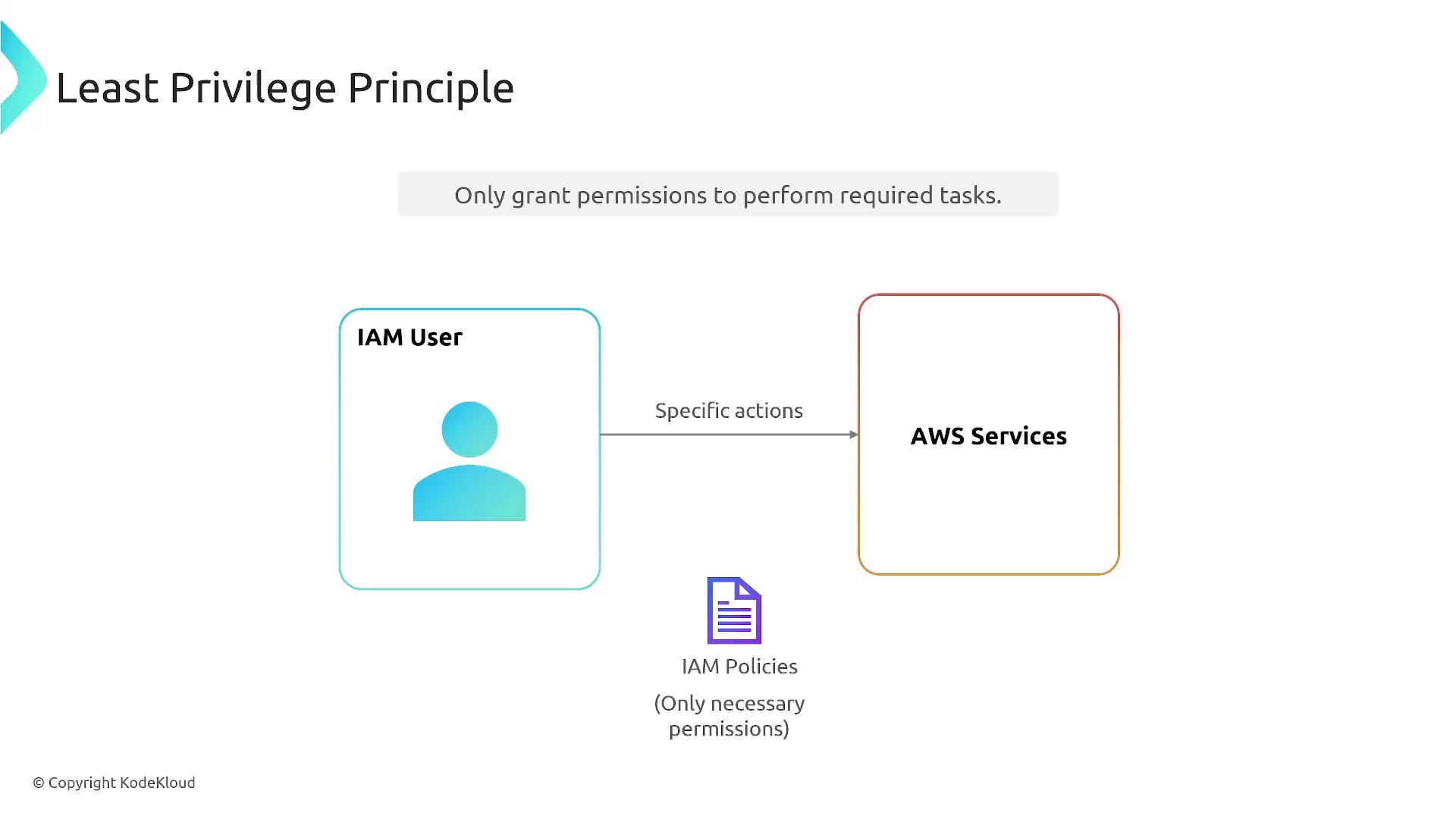
AWS Identity and Access Management (IAM) determines which identities can perform actions on which resources. Each identity should receive only the permissions needed for its tasks.
- Enable multi-factor authentication (MFA) for privileged access.
- Avoid routine use of the AWS root user.
- Prefer IAM roles and temporary credentials where appropriate.
- Do not commit access keys, passwords, or tokens to a Git repository.
- Review permissions regularly and remove unnecessary access.
6. Protecting Terraform State and Secrets
Terraform state records associations between configuration and managed resources. It can contain sensitive values, so it must be treated as sensitive data.
- Keep local state files out of public repositories.
- Use access-controlled remote state storage when appropriate.
- Enable encryption and versioning according to the storage design.
- Protect credentials and private keys; never paste them into public examples.
- Review the repository's
.gitignoreand secret-scanning results.
# Example .gitignore entries
.terraform/
*.tfstate
*.tfstate.*
*.tfvars
*.pem
.env
These ignore patterns are a starting point, not a replacement for secret management. Review which variable files are safe to share before committing them.
7. Cost Awareness and Cleanup
Cloud labs can incur charges even when they are used for learning. Configure AWS Budgets notifications, check resource pricing before deployment, and remove resources that are no longer needed. Some resources, such as NAT Gateways, public IPv4 addresses, storage, and data transfer, may incur charges.

Budget alerts help notify you about spending; they do not automatically stop every resource or guarantee that no further charges will occur.
8. Validation Checklist
- Review VPC CIDR ranges and subnet design.
- Validate routing and internet exposure.
- Check that inbound security group rules are narrowly scoped.
- Verify IAM permissions follow least privilege.
- Run Terraform validation and review the execution plan.
- Confirm that credentials and state files are not exposed.
- Review costs and verify that unused lab resources are removed.
9. What This Project Demonstrates
Secure cloud infrastructure requires more than launching virtual machines. Network segmentation, identity management, controlled infrastructure changes, and cost awareness must work together. Combining AWS and Terraform provides a practical foundation for developing skills in Cloud Engineering, Infrastructure as Code, and Cloud Security.
Conclusion
Secure infrastructure starts with deliberate design and repeatable implementation. The next step is to deploy the proposed architecture, validate the security controls, document the actual results, and publish the Terraform code with a clear README.